Create a Profile on PayAldineISD
Follow the steps below to create a PayAldineISD profile:
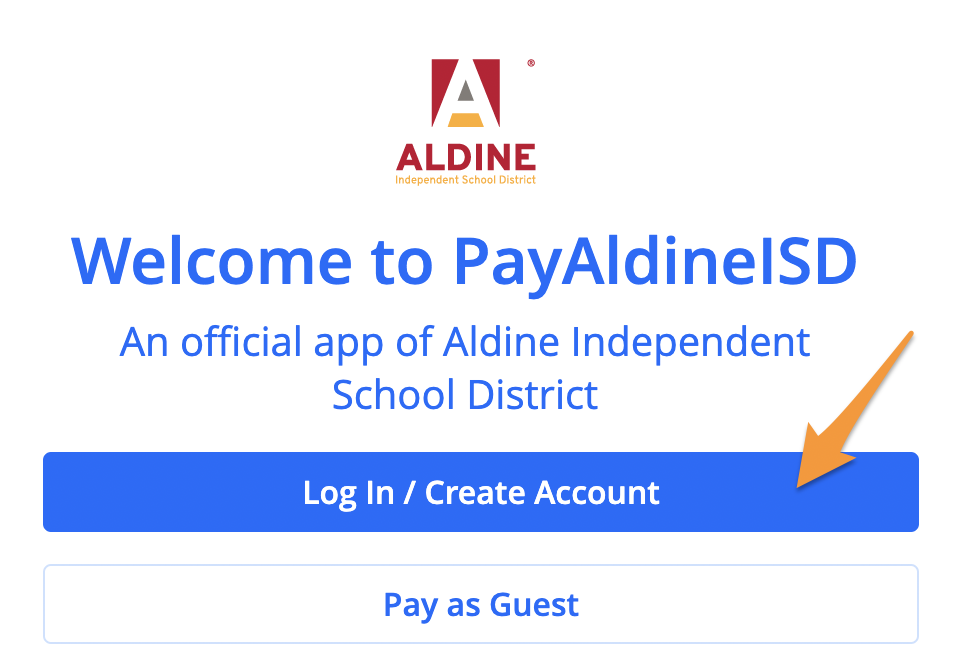
- Visit PayAldineISD and click on the blue Log In / Create Account button
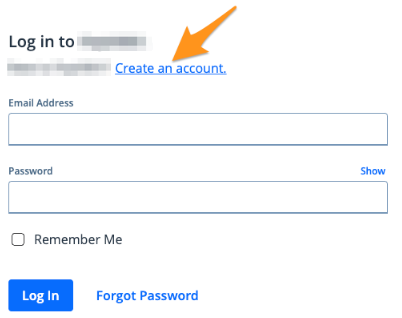
- Click Create an account
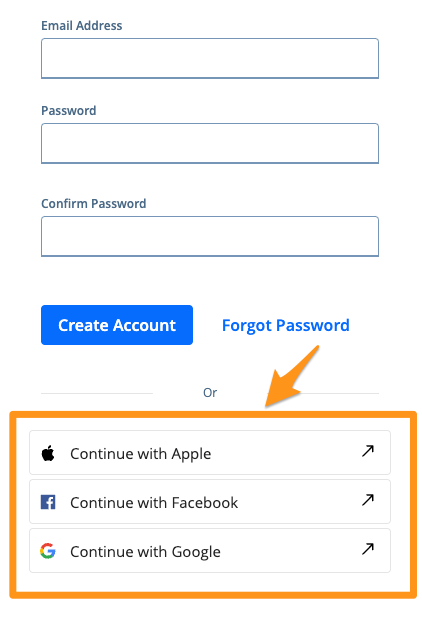
- You can create an account using an email address and password or by selecting a social option
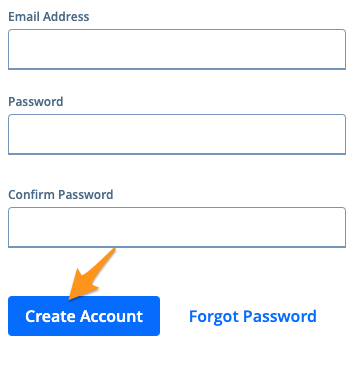
- To create an account using an email address, enter your email address, create and confirm a password, and then select Create Account. (See Completing Email Verification on Powered by PayIt Apps)
- To create an account using a social option, click Continue with Apple, Continue with Facebookor Continue with Google. Please note, availability of these social options can vary.