
Change My Email Address on PayAldineISD
Follow the steps below to change your email address on PayAldineISD:
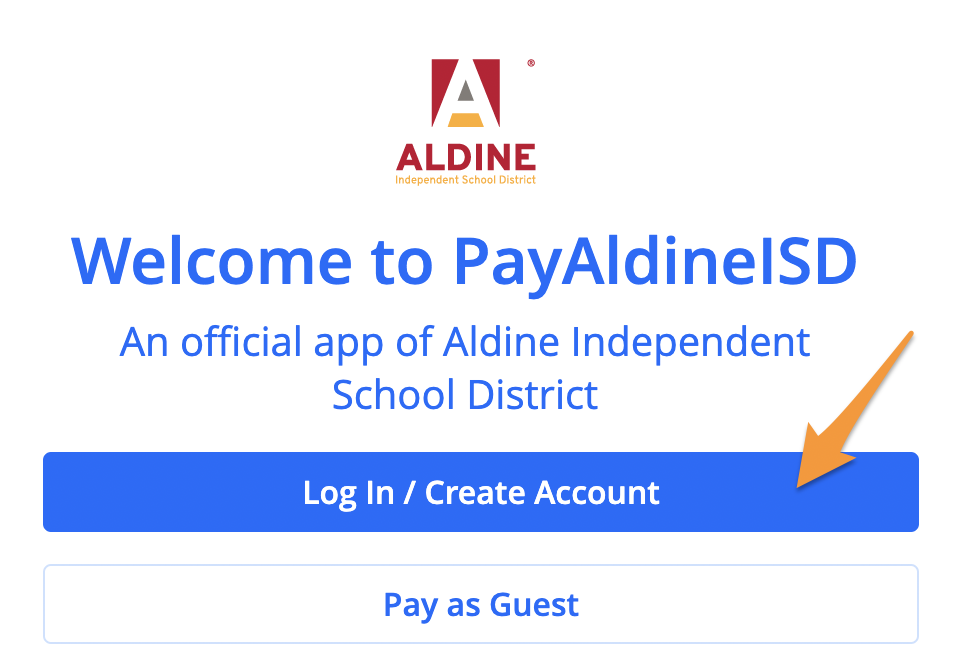
- Log in to your PayAldineISD profile
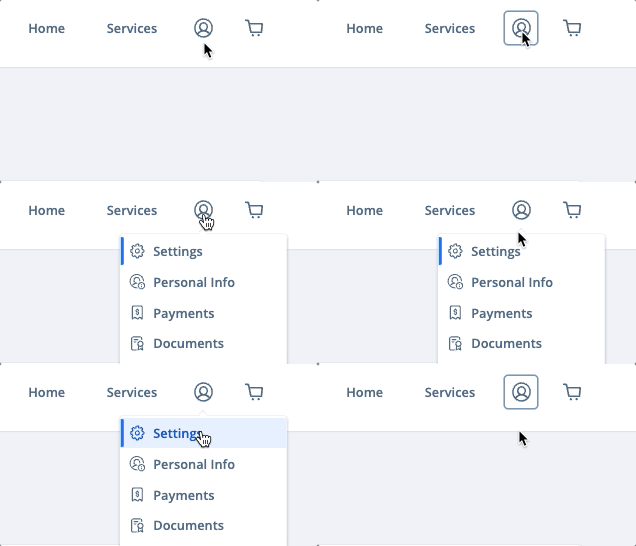
- Select the profile icon in the upper right corner and click Settings
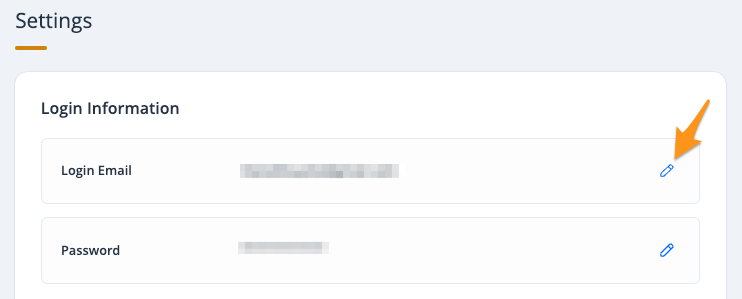
- Click the edit icon next to your existing email
- Enter and confirm your new email address and click Save (see Completing Email Verification on Powered by PayIt Apps).